AI receipt scanner: snap the photo and forget about it.
Snap a photo of the receipt or upload the invoice as a PDF. AI reads the supplier, tax ID, number, date, net amount, VAT, total and expense category. You check it and hit save. Receipts, invoices, payslips, insurance, Social Security and tax, all in their place.
Anyone on the team can do it from their phone, right when they buy.
1
Take a photo or upload the PDF
A photo from your phone or a PDF invoice of up to 5 pages. At the nursery, the petrol station or from the office.
2
AI reads it
In seconds it fills in supplier, tax ID, number, date, net amount, VAT, total, description and category.
3
You check and save
Nothing is saved automatically. Uncertain fields are flagged so you can check them, fix them if needed and save.
What it reads
Not just receipts: everything your company spends money on.
AI understands the paperwork a gardening business gets. It reads receipts and purchase invoices, payslips, Social Security bills for employees and the self-employed, Spanish income tax and withholding forms, insurance bills, accountant's invoices and direct debits.
Photos from the camera or gallery
PDF up to 5 pages
If the photo isn’t a receipt or an invoice, it lets you know
Purchase receiptsNursery, petrol station, hardware store
Supplier invoicesAs a photo or a PDF
PayrollFor each worker
Social SecuritySocial Security (staff and self-employed)
Spanish tax formsIncome tax and withholdings
Insurance receiptsVehicles, premises, workers
Accountant's invoicesAccountants and advisers
Direct debitsBank direct debits
Tax details
Everything your accountant asks for, read automatically.
The purchase is saved with its full tax details. And the app double-checks what it reads: it warns you if net plus VAT doesn't match the total, if the tax ID looks odd or if the date is in the future.
Supplier, tax ID and invoice number
Net, VAT and total checked
Remembers the category you used for each supplier
Edit purchaseRead by AI
€
Add %
30
%
Marked up61,88 €
Business expenses
Sa Vinya
To buy
DeleteCancelSave
Business expenses
Every expense in its category.
AI picks from the 17 categories a gardening business uses. Your business expenses stay organised in Accounts, as a list, by category or in charts, with and without VAT. So you know how much goes on fuel, tools or insurance without touching a spreadsheet.
Plants and seedsSoil, substrates and fertilisersPlant protection productsIrrigation and plumbingTools and machineryHardware and materialsFuelVehiclesWorkwear and PPEMeals and allowancesOffice and otherPayrollSocial Security and income taxWorker insuranceInsuranceAccountantPhone and internet
To the invoice
And if it's for a client, you pass the cost on to them.
If the purchase is for a garden, you assign it to its property and it goes onto that client’s invoice with your margin percentage. If it’s for the business, it goes to business expenses. The AI also spots when an expense is clearly a business one, like payroll or insurance.
Property purchase → client invoiceBusiness purchase → business expensesPurchase margin, calculated for you
natura-viva · invoicing
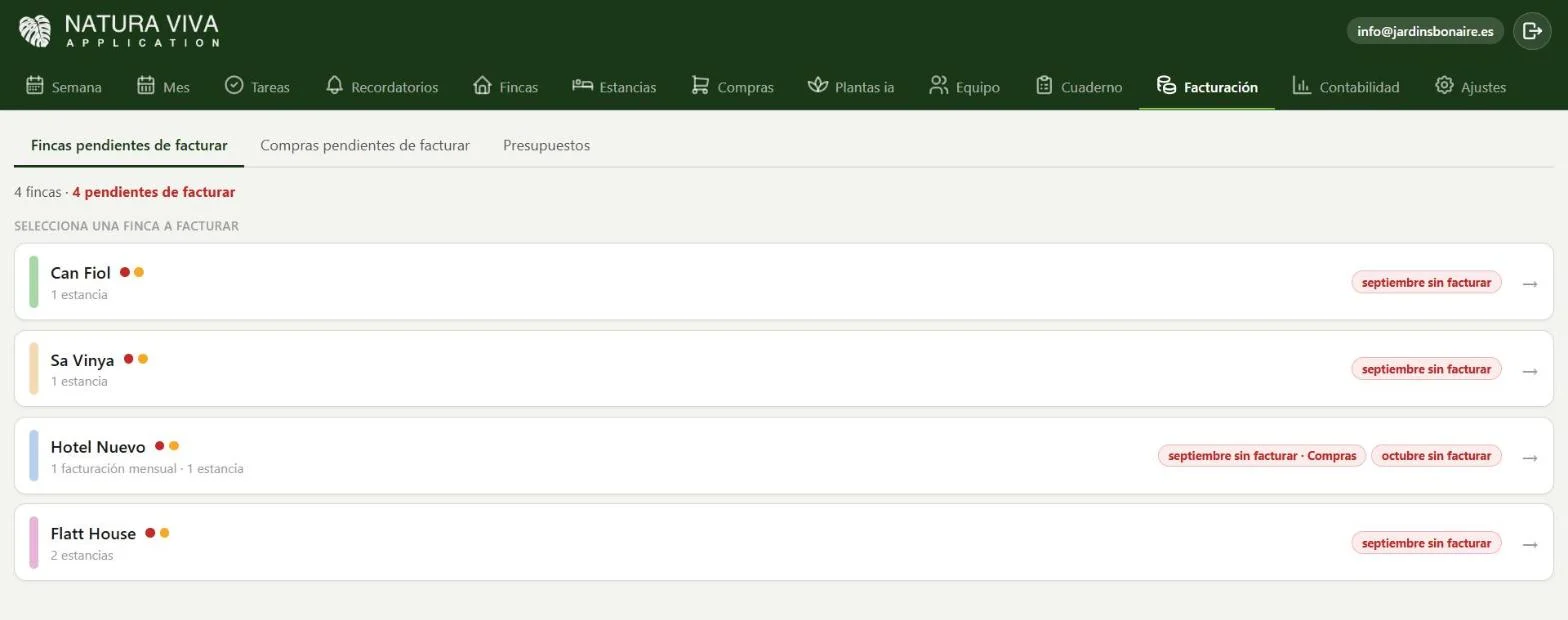
Purchases still to invoice
In detail
Everything you need to know.
A receipt scanner built for gardening businesses
Gardening businesses buy almost every day: plants at the nursery, substrate, irrigation parts, diesel for the van. Every receipt left in the glovebox is an expense you don't log and VAT you don't claim back.
With Natura Viva you snap the receipt on your phone and artificial intelligence reads it for you: it fills in the supplier, tax ID, receipt or invoice number, date, net amount, VAT, total and expense category.
Reads receipts, supplier invoices, payslips and Social Security and tax bills
If the photo isn’t a receipt, it tells you so you can fill it in by hand
Nothing saves on its own: you always check first
17 expense categories for a gardening business
AI files each expense under the right category: plants and seeds; soil, substrates and fertilisers; plant protection products; irrigation and plumbing; tools and machinery; hardware and materials; fuel; vehicles; workwear and PPE; meals and allowances; office and other; payroll; Social Security and income tax; employee insurance; insurance; accountant; and phone and internet.
So your accounts show how much you spend on each thing without touching a spreadsheet.
Business expenses or purchases for a client
If the purchase is for a specific garden, you assign it to that property and it goes onto that client’s invoice with the margin percentage you choose. If it’s for the business, it goes straight to your business expenses.
It all ends up on the accounting with net amount and VAT, ready for your accountant.
Questions
Frequently asked questions.
Is it in every plan?
Yes, the AI receipt scanner is included in every plan.
What formats does it read?
Photos taken with your phone or picked from the gallery, and PDF invoices of up to 5 pages.
Does it read payslips and receipts?
Yes. Besides receipts and invoices, it reads payslips, Social Security receipts, Spanish tax forms, insurance receipts, accountant's invoices and direct debits.
What data does the AI read?
Supplier, tax ID, receipt or invoice number, date, net amount, VAT, total, a description and the expense category.
Does it save automatically?
No. The AI fills in the fields and you check them before saving.
Can my workers do it?
Yes, each from their own phone, with the permissions you give them.
Just one app
And all this, in the same app.
They’re not separate programs: they live together and talk to each other.